Get a fast, conversion-focused WooCommerce theme in 2026. Switch to Shoptimizer.

Home Blog – eCommerce News, tips and tutorials

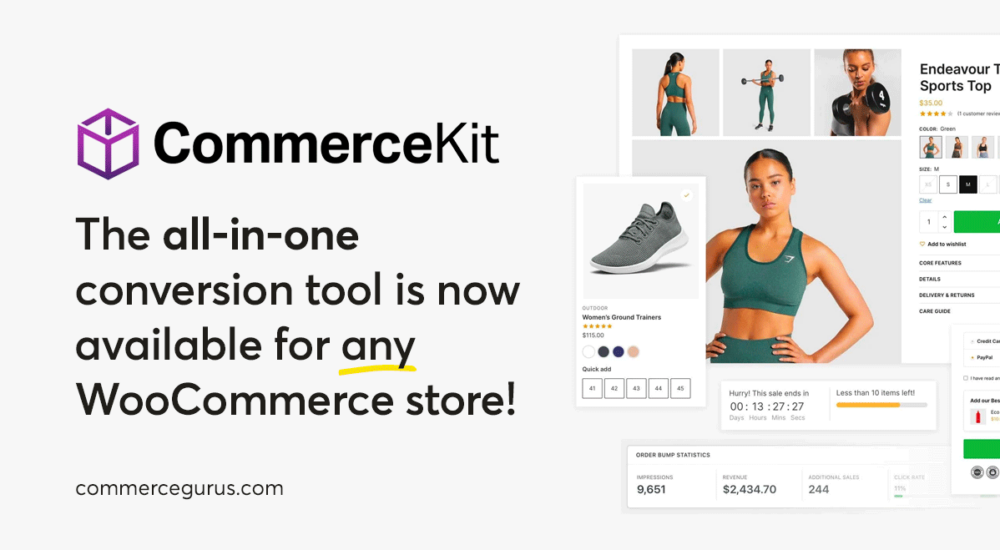
CommerceKit Now Works with Any WooCommerce Theme

CommerceKit Now Works with Any WooCommerce Theme

CommerceKit was born as a simple companion plugin to Shoptimizer. Over the years it has evolved into a powerful, fully-featured conversion optimization suite for WooCommerce with 13 modules covering everything from instant ajax search and conversion-focused product galleries to order bumps, attribute swatches, and wishlists.

It replaces a whole stack of individual plugins with a single, performance-optimized package.

For years, many of you have been asking if CommerceKit can be used with any WooCommerce theme – not just Shoptimizer.

For those of you who have missed CommerceKit’s suite of conversion optimization features on your other WooCommerce stores, we are pleased to announce that you can now purchase a standalone license and use CommerceKit with any WooCommerce-powered store!

A standalone license is just $39/year. When you consider how many individual plugins CommerceKit replaces, that’s a pretty great deal.

If you’re already a Shoptimizer customer, nothing changes for you. CommerceKit is still included with your Shoptimizer license and the update process remains exactly the same.

How To Reduce Server Response Times (TTFB) in WooCommerce

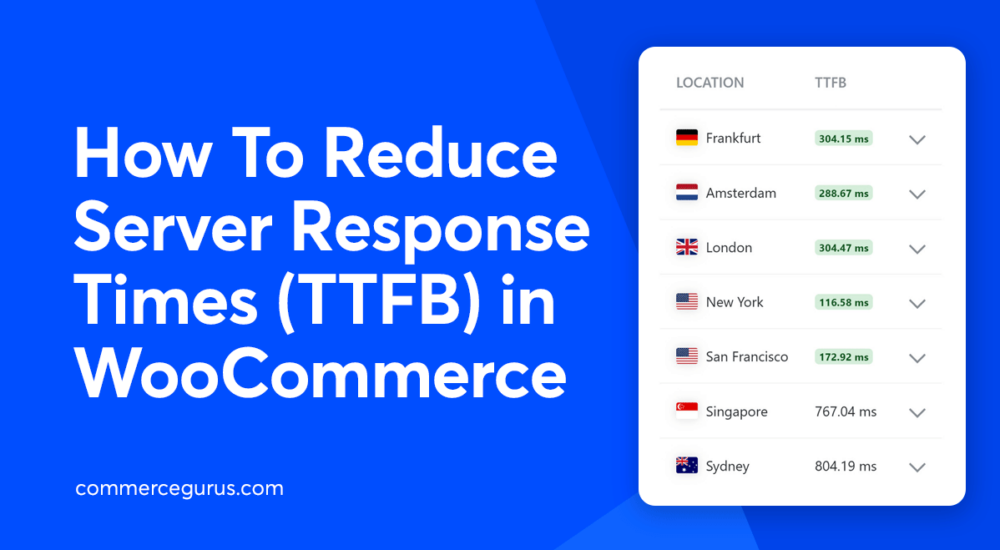
How To Reduce Server Response Times (TTFB) in WooCommerce

Slow server response times are a common problem for WooCommerce stores because of their dynamic nature. High time to first byte (TTFB) can affect SEO, user experience, and conversions, but it’s not always easy to identify the cause of poor performance.

In this guide, we’ll cover the most effective ways to reduce server response times (TTFB) in WooCommerce, starting with the changes that usually make the biggest difference.

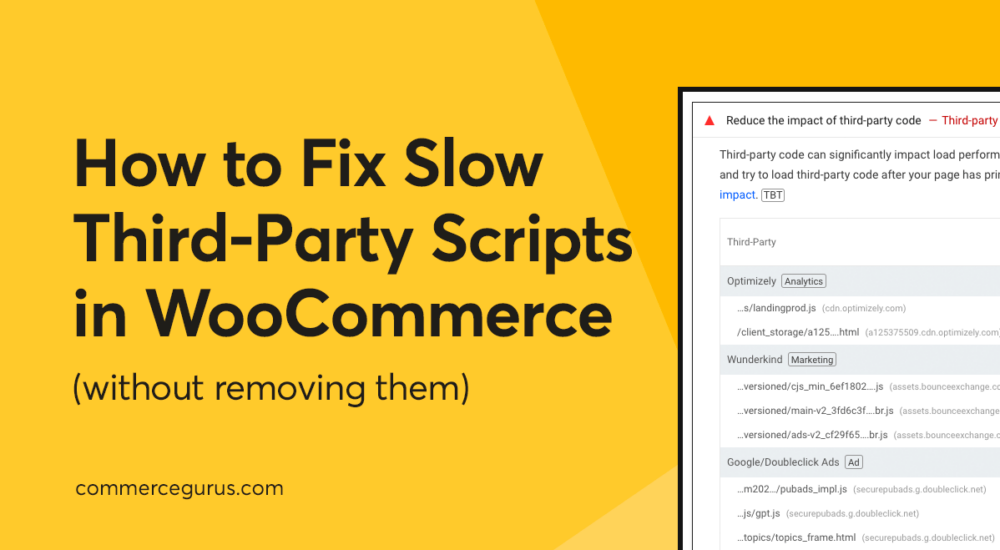
How to Fix Slow Third-Party Scripts in WooCommerce (Without Removing Them)

How to Fix Slow Third-Party Scripts in WooCommerce

If your WooCommerce store feels slow (or isn’t scoring as well as you’d like in PageSpeed Insights), there’s a good chance third-party scripts are part of the problem.

Most eCommerce stores rely on one or more of: pixel tracking, chat widgets, review carousels, video embeds, A/B testing, Facebook tracking, Google Analytics, and heatmaps. And there are many more examples like these! Each one of these tools adds extra JavaScript to your pages, and those scripts often run on the main thread, slowing your site’s response time to shoppers.

The good news is you don’t need to remove these tools to speed things up. In most cases, stopping non-essential JavaScript from loading until the shopper shows intent (for example, tapping, clicking, or scrolling) can solve the problem.

In this guide, we’ll walk through a practical checklist to reduce the impact of third-party scripts on your WooCommerce store without sacrificing any sales-generating features.

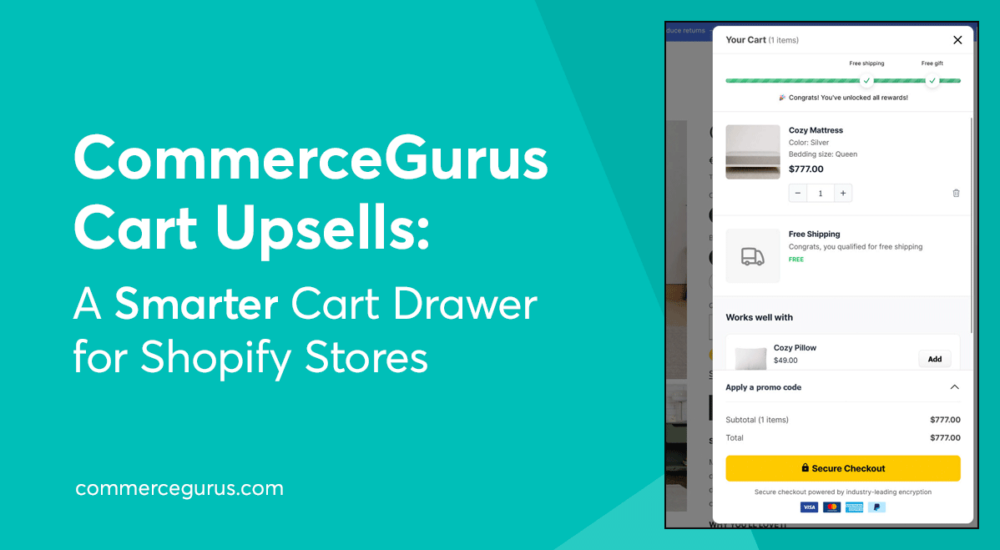
CommerceGurus Cart Upsells: A Smarter Cart Drawer for Shopify Stores

CommerceGurus Cart Upsells: A Smarter Cart Drawer for Shopify Stores

Cart abandonment remains one of the biggest challenges for eCommerce stores, but there’s another missed opportunity that’s often overlooked: the moment just before checkout.

When a customer has already decided to buy, they’re often open to adding more – if the right products are suggested at the right time.

That’s where cart drawer upsells come in. Rather than redirecting shoppers to product pages (which risks breaking their buying momentum), a well-designed cart drawer lets you suggest relevant items directly in the cart, making it easy for customers to add them with a single click.

Our new Shopify app, CommerceGurus Cart Upsells, adds a feature-rich cart drawer to your store designed specifically for this purpose – helping you increase average order value without disrupting the checkout experience.

In this guide, we’ll walk through what our app can do, how it works, and how it can help your store generate more revenue. Let’s get started!

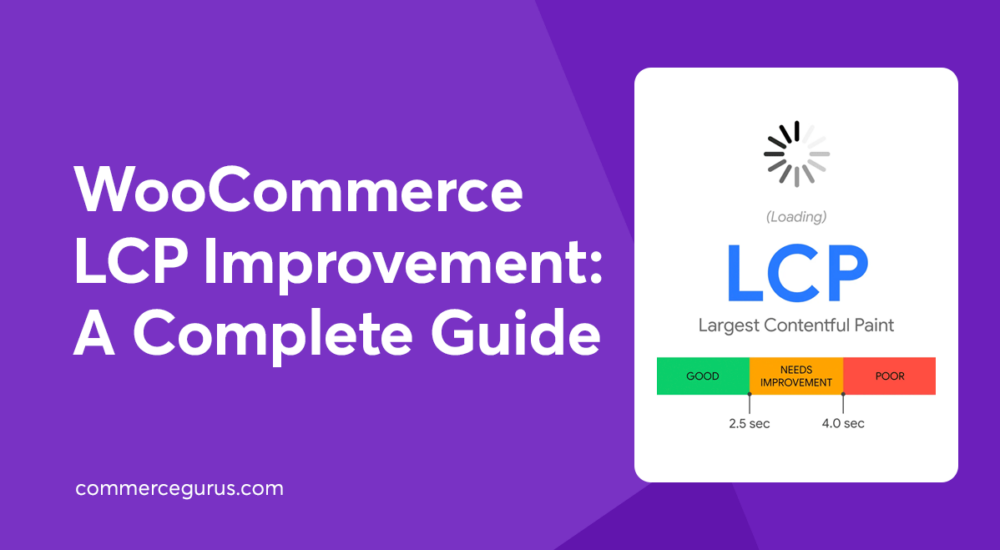
WooCommerce LCP Improvement: A Complete Guide

WooCommerce LCP Improvement: A Complete Guide

Improving LCP should be a priority for all WooCommerce stores as it directly impacts user experience, brand reputation, and conversions.

In fact, Rakuten 24 found that achieving a good LCP score lead to a conversion rate increase of up to 61%, as well as improvements in revenue per visitor and average order value. Renault reported a 14% decrease in bounce rate and a 13% increase in conversions after improving LCP.

If you’re not sure what LCP is, what a good score is, how to measure it, or how to improve it, this guide will get you up to speed.

By following the nine actionable strategies, you’ll be able to ensure your main content loads quickly, shoppers get a smooth first impression, and your conversions have the best chance to improve.

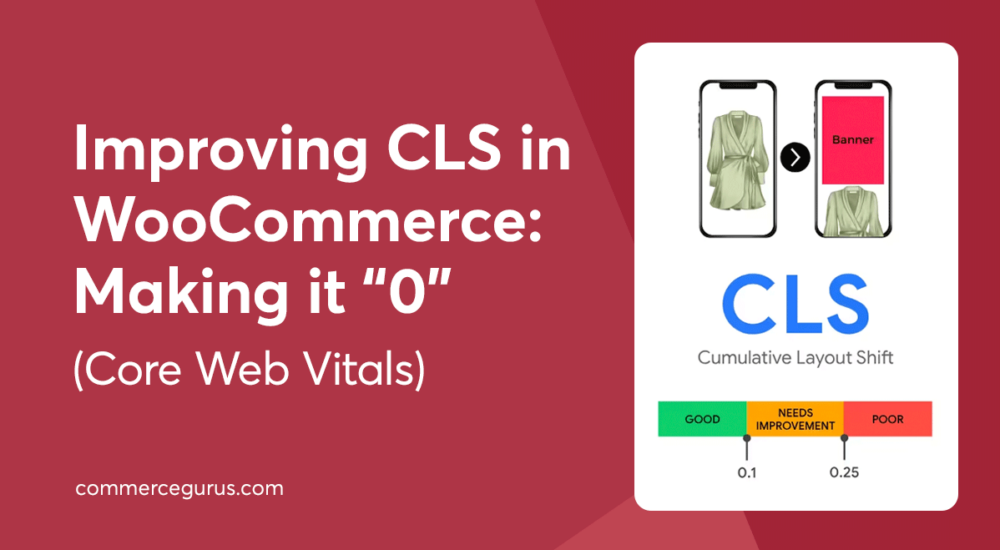
CLS in WooCommerce: Making it “0” (Core Web Vitals)

CLS in WooCommerce: Making it “0” (Core Web Vitals)

CLS, or cumulative layout shift, can be a real problem for WooCommerce stores, but thankfully, it’s something you can fix.

CLS is a measurement of how much of a page’s layout and content shifts or moves unexpectedly when it’s loading.

This sort of shifting isn’t ideal for any website, but it’s particularly serious for WooCommerce stores. A high CLS score makes stores difficult to use and feel broken or unprofessional, two factors that can significantly reduce conversion rates.

In this guide, we cover how to measure CLS, the common causes of layout shifts in WooCommerce stores, and how to fix them.

Success!

The discount has been applied. You will see it when you checkout.

There has been a problem

Unfortunately this discount cannot be applied to your cart.

$50
Off

Do you want a whopping $50 off Shoptimizer for WooCommerce?

Click the button below to get Shoptimizer for only $49. (Regular price: $99).
This is a special launch offer for today only.
Get it before it is gone!